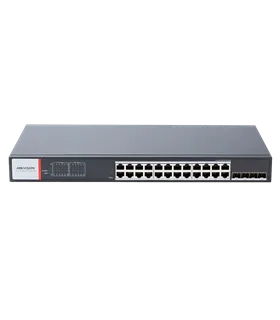
Description & Key Features: DS-3E1318P-EI(B)
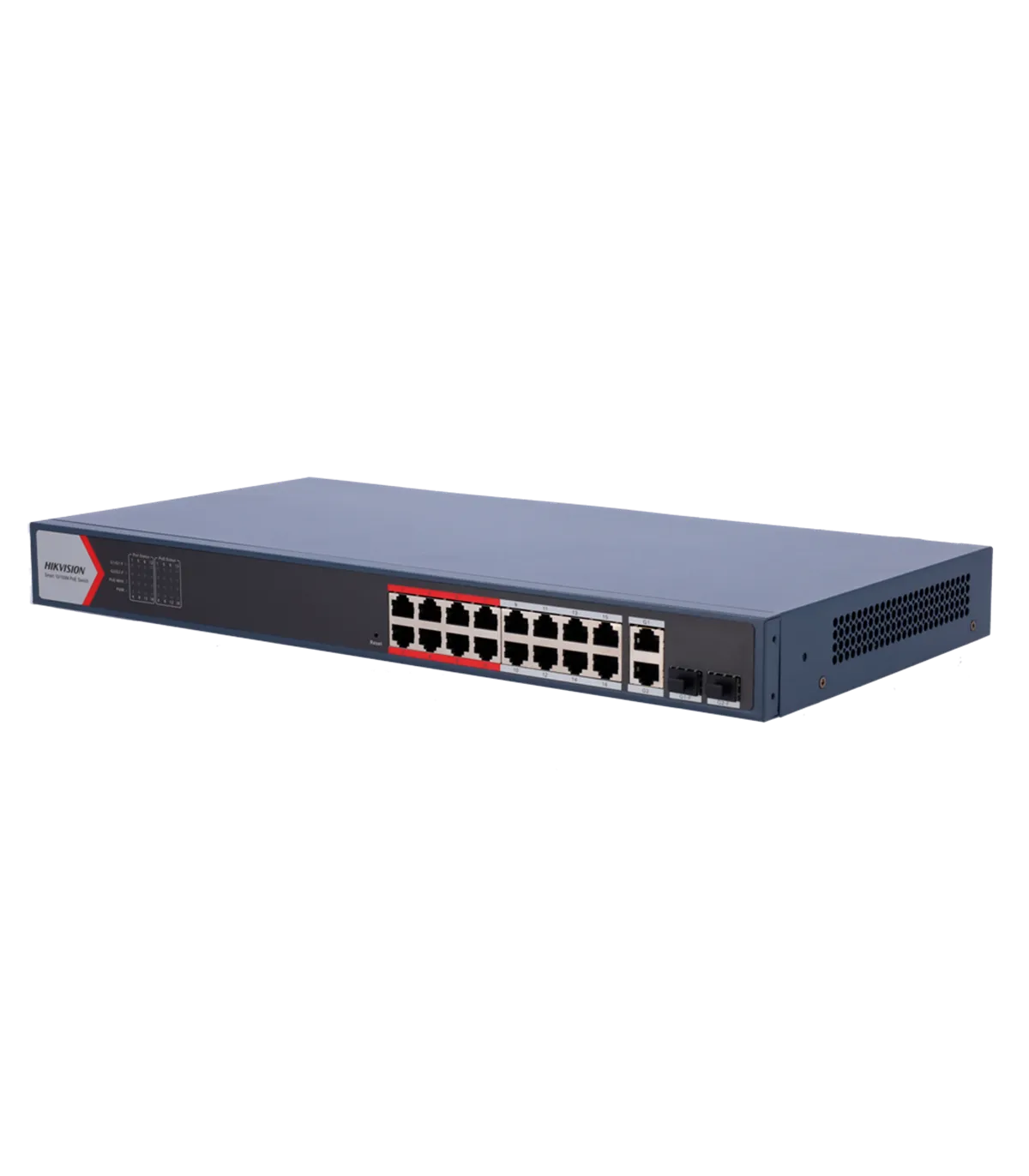
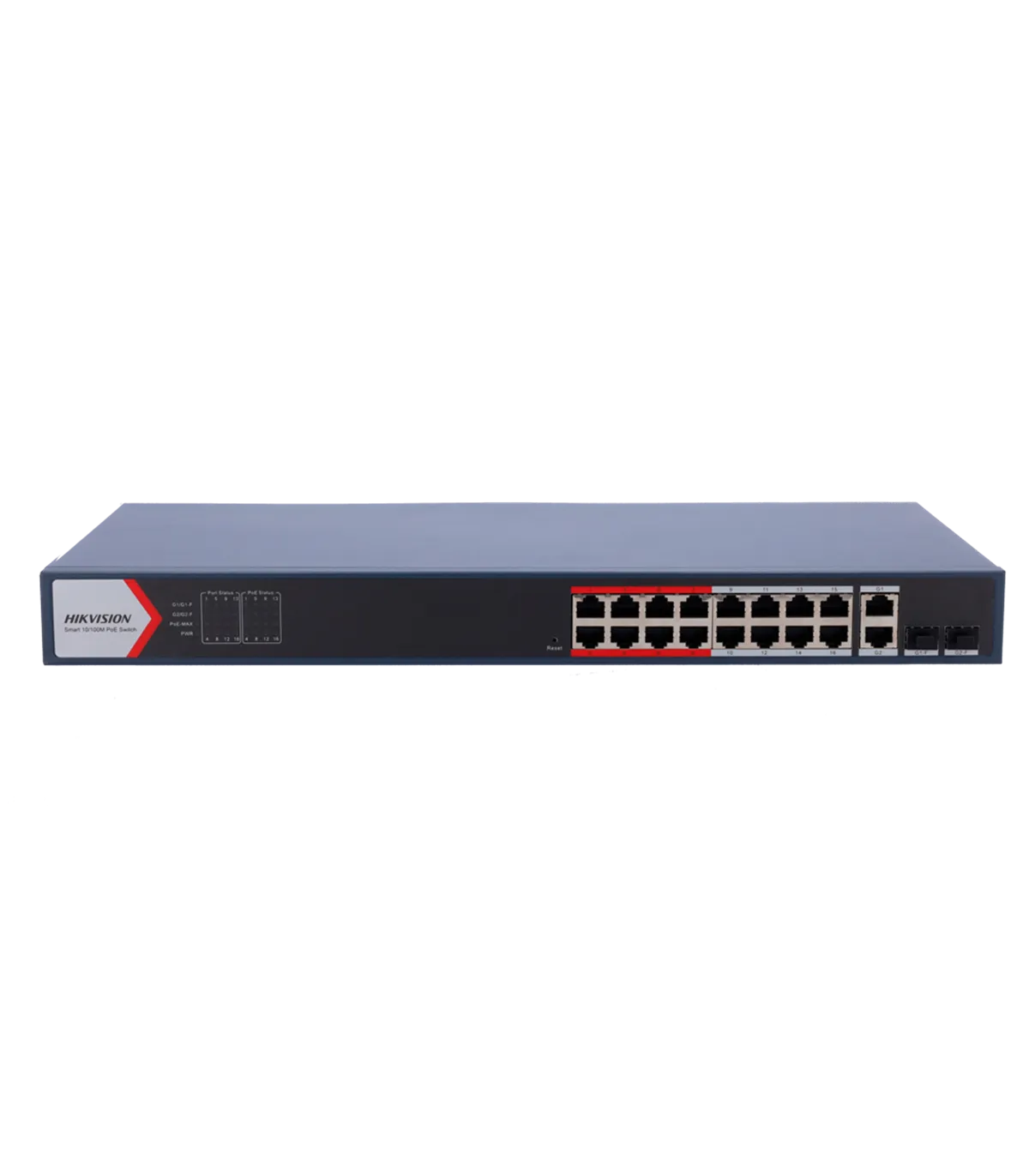
The DS-3E1318P-EI(B) is a managed switch designed for efficient network management and power delivery in electronic security systems. This device is ideal for installations requiring Power over Ethernet (PoE) capabilities, making it suitable for connecting IP cameras and other devices in surveillance setups. With its robust features, it ensures reliable performance in various environments, enhancing the overall network security infrastructure.
- Hikvision
- Managed Switch
- 16 RJ45 10/100 Mbps PoE ports + 2 Gigabit RJ45/SFP combo ports
- 16 PoE+ ports up to 30W
- Ports 1~16 PoE extended 300m
- Up to 230W total PoE power
- PoE Watchdog
- Intelligent PoE management
- Port Isolation
- Rack-mountable
Specifications: DS-3E1318P-EI(B)
| Interfaces | 16 PoE RJ45 Fast Ethernet + 2 Gigabit RJ45/SFP combo ports |
| PoE Features | Up to 30W on ports 1-16 802.3af/at
Up to 230W total PoE power
Pinout ports 1-16 1,2,7,8- / 3,6,4,5+ |
| PoE Functionalities | Extended PoE ports 1-16 up to 300 meters at 10Mbps
Port Isolation for ports 1-16
PoE Watchdog for ports 1-16 resets cameras if they are unresponsive
VIP ports 1-8 prioritize these ports when bandwidth is insufficient |
| L2 Functionalities | Static link aggregation (1 group)
Loop prevention protocols (802.1D STP and 802.1w RSTP)
VLAN (Max. 4094)
802.1Q Tag
802.1ab LLDP
DHCP Client
Port Mirroring |
| HikPartner Pro Functionalities | Supports one-click remote management via Hik Partner Pro (Supported functions)
1. View port speed.
2. View port bandwidth utilization rate.
3. Display PoE power usage.
4. Show network topology information.
5. View alarm status.
6. Restart ports and devices.
7. Enable extended mode for ports.
8. Remotely update the device. |
| Management | Web management
Management via Hik-Central Pro
Management via Hik-Partner Pro. |
| MAC Table | 16K |
| Bandwidth | 9.2Gbps |
| Forwarding Rate | 6.84Mbps |
| Internal Cache | 4 Mbits |
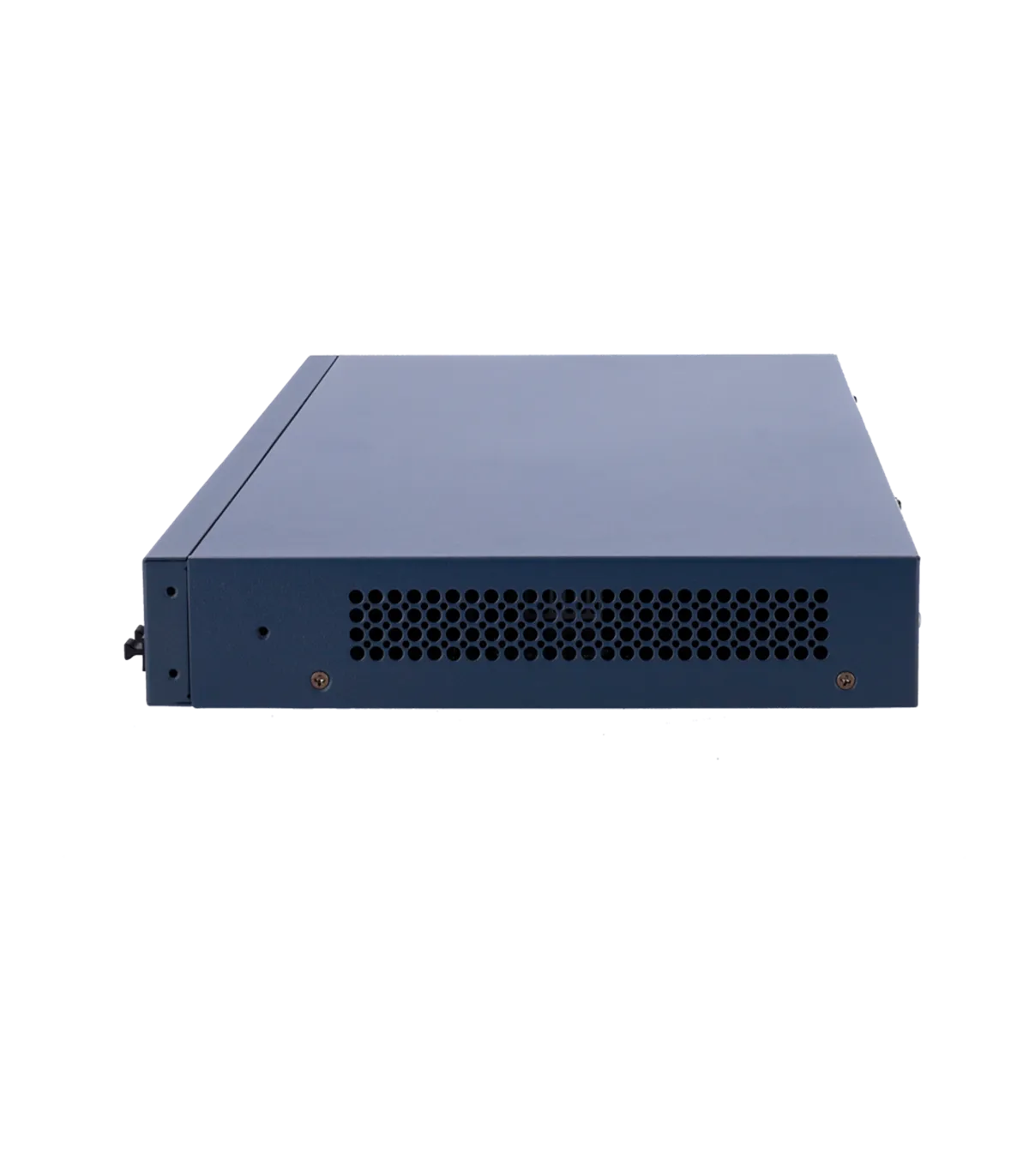
| Installation | Rack, Desktop, Wall-mounted |
| Surge Protection | 6kV |
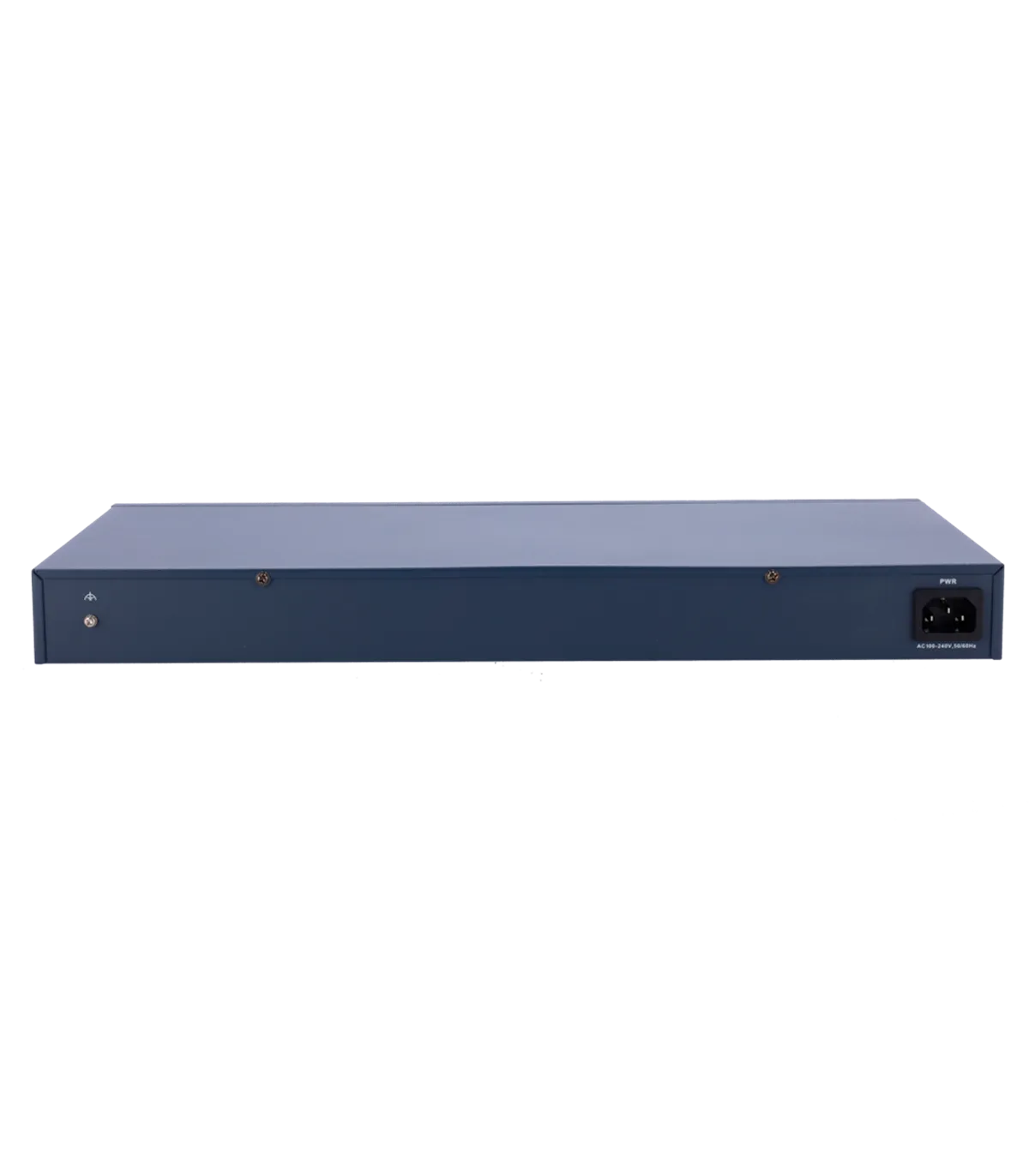
| Power Supply | AC 100 ~240, 50/60Hz, Max 4A |
| Operating Temperature | 0º C ~ 45º C |
| Consumption | Standby 20W / With PoE 250W |
| Dimensions | 220 (L) x 44.5 (H) x 440 (W) mm |
| Weight | 2.59Kg |
Package Contents
- Hikvision Switch
- Documentation
- Power Cable
- Rack Installation Brackets
Use Case
The DS-3E1318P-EI(B) switch is particularly beneficial in a surveillance system deployment where multiple IP cameras are installed across a large area. For instance, in a corporate office, the switch can be strategically placed to connect up to 16 cameras, providing Power over Ethernet to each device while ensuring a reliable connection. The PoE Watchdog feature automatically resets any unresponsive cameras, minimizing downtime and maintaining security coverage. Additionally, the extended PoE functionality allows for camera placement up to 300 meters away, making it ideal for expansive facilities. With remote monitoring capabilities through Hik Partner Pro, installers can easily manage bandwidth utilization and monitor the health of the network in real-time. This switch not only enhances the network security infrastructure but also simplifies the installation process, making it a valuable asset for both installers and end users.
Read moreShow less


 EN
EN ES
ES  PT
PT  FR
FR