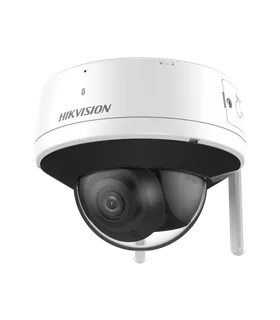
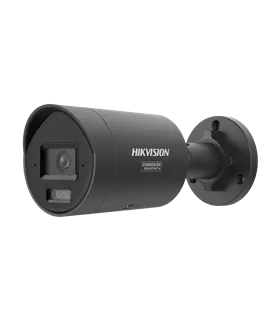
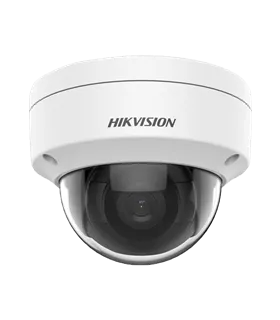
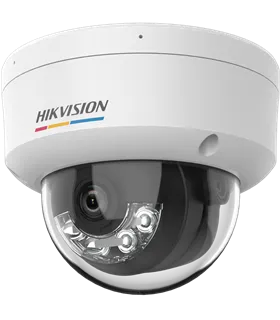
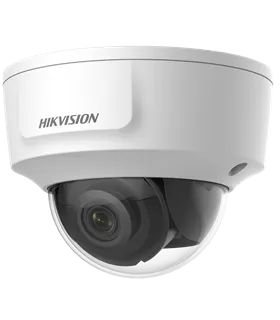
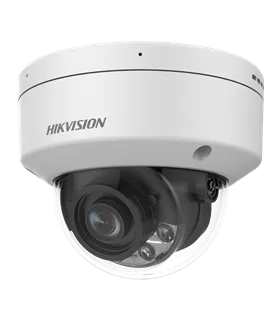
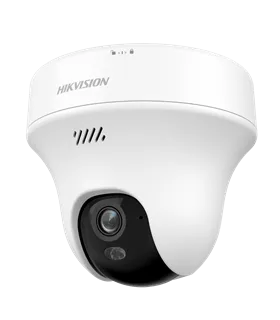
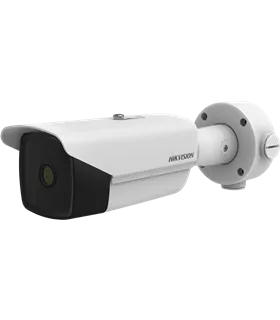
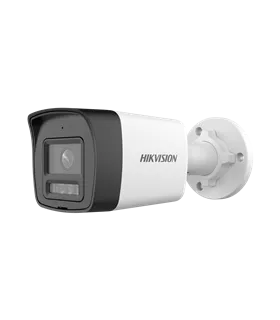
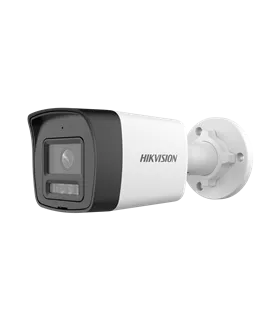
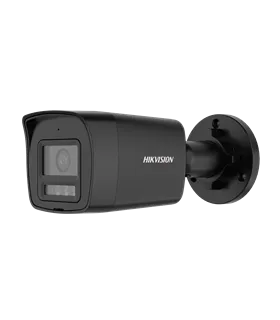
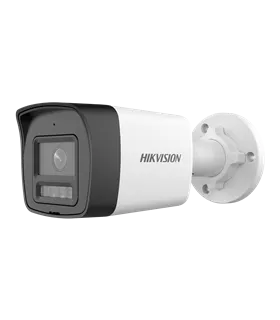
How to choose a Hikvision IP camera
Define the scene and framing
Start with the area you need to monitor and where you will install the camera. Compare format, lens and field of view; higher resolution does not replace suitable framing. Also check mounting conditions and the protection needed for that location.
Check night images and detection
Check the lighting and analytics included in each model. ColorVu and AcuSense address different needs and can be combined in certain models. Assess the lighting conditions and events you need to detect, without assuming the entire range offers the same features.
Check integration with your installation
Review power, connections, storage and recorder compatibility. Check video recording, audio and the intelligent events you need separately; being able to connect a camera does not confirm that all its functions will be available in the system.
Related categories for completing the system
Also compare IP Video Recorders (NVR). Check each model’s connections and compatibility before combining equipment.
Questions before buying
Do all Hikvision cameras have ColorVu and AcuSense?
No. Functions depend on the model and range. Check the specifications of the camera you intend to buy and how its functions work with the recorder.
Can I use the camera with my existing NVR?
Check the NVR model, supported cameras, resolution, bandwidth and compatible functions. Also check firmware and power requirements before expanding the installation.


 EN
 ES
 PT
 FR